Quick summary: SIP phones (physical IP desk phones) are not a thing of the past, and softphones are not a fad. Which one fits depends on the job: who needs to be reachable, how many calls they take, how long those calls last, what environment they work in, and what the call needs to connect to. Softphones are strongest for mobile, hybrid and integration-heavy roles. SIP phones are strongest for shared, always-on, high-volume and hands-busy roles, including reaching “whoever is there” rather than one named person. Dromlik, a cloud phone system hosted in Ireland, supports both on the same system, so most Irish businesses end up with a sensible mix rather than an all-or-nothing choice.
Don’t ask “which is better?” Ask what the role needs: Is the caller trying to reach a person or a place? How many calls a day, and how long are they? Does the person sit at a computer? Does the call need to connect to a CRM or chat? Who owns and secures the device? The answers usually point clearly in one direction for each role.
What Is a SIP Phone, and What Is a Softphone?
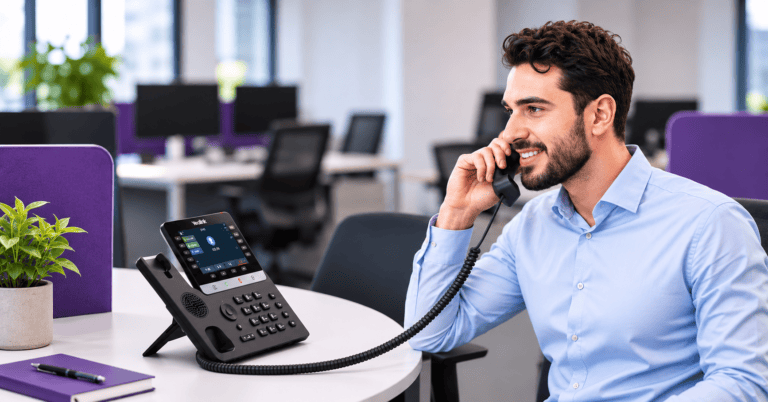
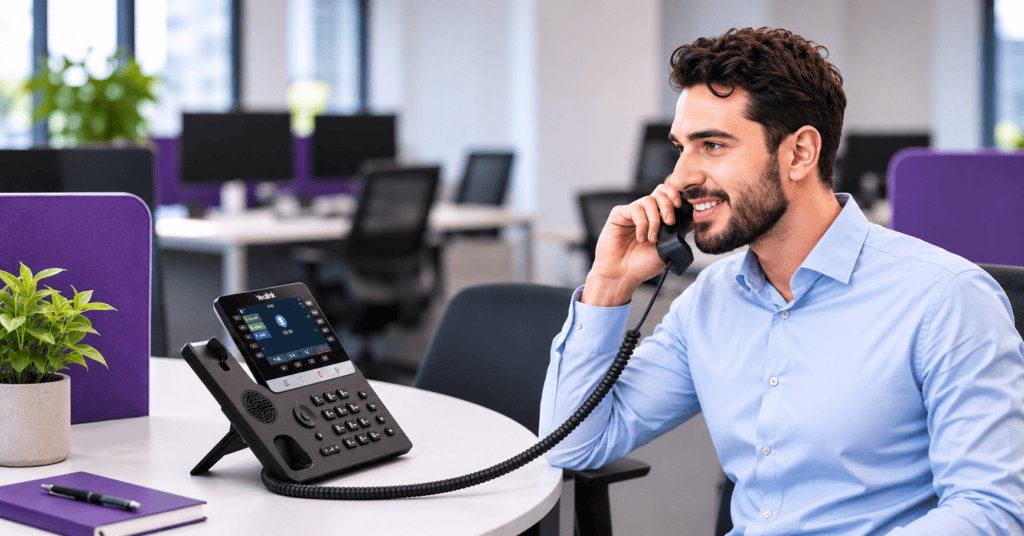
A SIP phone is a physical desk phone that connects to your network over ethernet (or Wi-Fi on some models) and makes calls over the internet using the SIP protocol. It’s also called an IP phone or a VoIP phone.
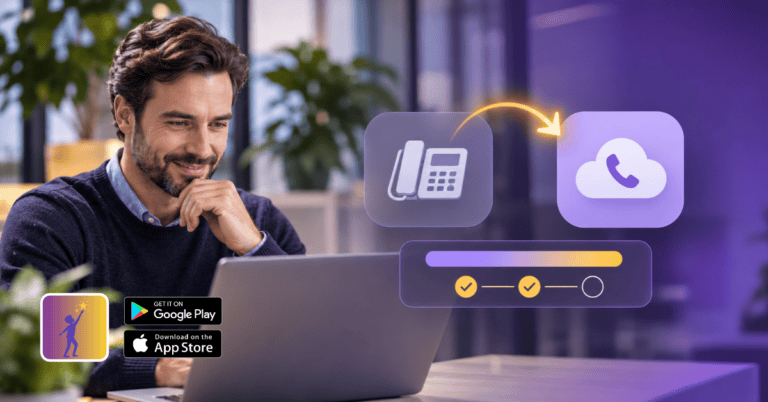
A softphone is software that does the same job on a device you already own: a mobile app, a desktop app or a browser. There is no extra hardware.
On Dromlik, both connect to the same cloud phone system. The same extension can ring on a desk phone, a mobile app and a desktop app at once, so the choice is about how people work, not which technology is “better”.
Quick Comparison
| SIP desk phone | Softphone (mobile / desktop app) | |
|---|---|---|
| Reachability | Best for a place or shared line | Best for a person, wherever they are |
| Mobility | Fixed to a desk or location | ✓ Follows the person |
| Call comfort and audio | Dedicated handset, speaker and headset port | Depends on headset, device and room |
| Reliability | Doesn’t depend on a laptop, OS updates or battery | Depends on the device being on, charged and updated |
| Hardware cost | One-off, from €105 for a Yealink T73U | None, uses existing devices |
| Integrations (CRM, chat, Teams) | Basic on the phone itself | ✓ Strong, on-screen with your tools |
| Ease for non-technical staff | ✓ Lift the handset and dial | Needs an app, login and a working device |
| Shared use across shifts | ✓ Built for it | ✗ Tied to one person’s device |
| Distraction and boundaries | Separate from notifications; stays at the desk | Competes with every other notification; blurs work and personal |
| Setup and scaling | Plug in; auto-provisioned; hardware to order | Install the app; instant to add or remove users |
| Typical users | Reception, front desks, counters, high-volume call takers | Sales, managers, field staff, remote and hybrid teams |
The Case for SIP Phones
1. Reaching a place, not a person
Often a caller doesn’t want a particular person. They want whoever is there: the front desk, the shop counter, the clinic reception, the trade counter, the workshop. A desk phone belongs to the location, not the individual, so it keeps working when the person who usually answers is off, on a break or on another call.
2. Comfort and call quality over long calls
If someone is on the phone for hours a day, ergonomics matter. A dedicated handset, a proper speaker and a headset port are built for that job. Staff don’t need to find the right audio device, switch between laptop speakers and a headset, or worry about a microphone setting. Some desk phone models also offer hearing-aid-compatible handsets, which is worth checking if accessibility matters to your team.
3. Reliability and independence from the computer
A desk phone doesn’t care if a laptop is rebooting after an update, an app has crashed or the operating system is acting up. There’s no battery to charge and no app to keep open. For roles where a missed call is costly, that independence matters. Many desk phones can also be powered over the network cable (PoE), so one cable carries both data and power.
4. Simplicity for everyone
Lift the handset and dial. No login, no app, no training. That suits shared lines, reception cover, temporary staff and anyone who simply doesn’t want to manage another piece of software.
5. Hands-busy and screen-free environments
Where people are on their feet, wearing gloves, preparing food, serving customers or working in a workshop or warehouse, they are not sitting at a computer. A wall or desk phone with a loud ringer is often more practical than an app on a screen that isn’t being looked at.
6. Receptionist and attendant tools
Reception staff often need to see who’s free, transfer calls with one button and put callers on hold quickly. Desk phones with programmable keys are designed for this kind of high-speed call handling. Check the specific model for the features you need.
7. Separation of work and personal devices
With a desk phone, nobody needs to put a business app on a personal phone or hand over a private number. The phone stays at work. That’s useful for shared roles, for staff who prefer clear boundaries, and for businesses that don’t want work calls on personal devices.
8. Focus and wellbeing
A desk phone stays where it is. It rings at work and goes quiet when people leave. Some staff find that a softphone on their mobile makes it hard to switch off.
If you want hardware recommendations, see our guide to IP phones for Irish businesses, covering the Yealink T7 and T8 series Dromlik supplies.
The Case for Softphones
1. Mobility and work from anywhere
The same business number and extension work from home, a client site, a train or abroad. Hybrid staff keep one identity across home and office. See our guide to cloud phone systems for remote working.
2. Reaching a specific person
When customers or colleagues want one named person, a softphone follows that person wherever they are, so calls don’t depend on which desk they are sitting at.
3. Deeper integration with your tools
A softphone sits on the same screen as your CRM, chat and calendar. That makes click to call, call pop-ups, call notes and conversation history much easier to use than on a desk phone’s small display. Orbit adds CRM integrations such as HubSpot, Salesforce, Zoho and Zendesk. Dromlik also integrates with Microsoft Teams on all plans, with no Microsoft licence needed.
4. No hardware to buy, ship or replace
New starters are set up in minutes. Leavers are removed just as quickly. Nothing needs to be ordered, installed, stored or returned, which suits growing, seasonal or remote teams.
5. Easy to scale and change
Adding or removing users is a settings change, not an equipment order. That makes softphones a good fit for businesses whose headcount, locations or working patterns change often.
6. International and distributed teams
When people live in different places or countries, shipping desk phones is slow and awkward. An app works wherever there’s an internet connection. See phone systems for international and remote teams.
7. Multi-device flexibility
One person can answer on a mobile in the car, a laptop at home and an app in the office, and pick up the same call across devices. A desk phone can’t follow them.
8. Lower cost for light phone users
For people who take a few calls a day, an app on a device they already own is usually the more economical choice. Not every role justifies a desk phone.
Where Each Falls Short
SIP phones
- They are fixed in one place and don’t follow a person home or on the road.
- They cost money upfront and need a network port and power.
- They add little for CRM-driven or chat-heavy workflows.
- If a seat is empty most of the week, the hardware sits idle.
- Remote staff would need hardware sent to them, set up and returned.
Softphones
- They rely on a device being on, charged, updated and nearby.
- A call can get lost behind a muted laptop, a closed app or a silenced phone.
- Headsets and audio quality vary from person to person and room to room.
- On shared or shift-based roles, it can be unclear who is logged in.
- Mobile apps compete with other notifications and can blur work and personal time.
- Staff who aren’t comfortable with technology may find them harder to use.
Neither is wrong. They fail in different places.
Role-by-Role Guide
| If the role is… | Likely fit | Why |
|---|---|---|
| Receptionist or front desk | SIP phone, plus app as backup | High call volume, shared, needs fast transfers |
| Shop counter or trade counter | SIP phone | Shared line, staff on their feet, “whoever is there” |
| Clinic, pharmacy or nursery desk | SIP phone | Shared across shifts, always needs to be answered |
| High-volume call taker (support, bookings) | SIP phone with headset, or softphone with a good headset | Long calls, audio comfort and reliability matter |
| Workshop, warehouse or kitchen | SIP phone | No computer, hands busy |
| Sales rep or account manager | Softphone | Mobile, uses CRM, wants click to call |
| Manager or director who travels | Softphone | Reachable anywhere on one number |
| Field staff and trades | Softphone | Out of the office most of the day |
| Remote or international team member | Softphone | No hardware logistics |
| Hybrid worker (home and office) | Both, one extension | Desk phone in the office, app at home |
| Shift worker on a shared line | SIP phone | Nobody has to log in or carry a device |
Why Many Businesses End Up Using Both
The practical solution is to stop treating it as a choice. With Dromlik:
- One extension can ring on several devices. A receptionist’s desk phone, mobile app and laptop app can ring together or in sequence.
- Desk phones are auto-provisioned. Plug the phone in and it configures itself against your Dromlik system, with no IT project.
- Call flows are the same either way. Hunt groups, IVR menus, opening hours, voicemail and bank holiday routing work across desk phones and apps.
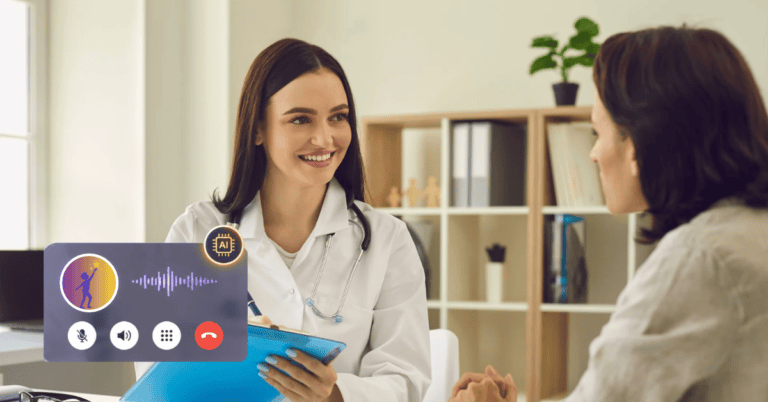
- After-hours cover doesn’t depend on a device. When the office isn’t staffed, calls can route to mobile apps, voicemail or Niamh, the Dromlik AI receptionist.
- Moving people is simple. If someone moves from the front desk to remote work, you move their extension to an app rather than rebuilding anything.
A typical example: a clinic keeps a desk phone at reception so the front desk always answers. Clinicians use the mobile app when they are out of the building. Sales and admin staff use desktop apps linked to the CRM. After closing time, calls go to Niamh, then to the on-call team.
Common Mistakes to Avoid
- Buying a desk phone for everyone by default. Many staff never use theirs.
- Going softphone-only on a reception desk or shared line. It’s the place where a missed call is most visible to customers.
- Tying a shared number to one person’s mobile. It will fail the first time that person is off.
- Ignoring the headset. A good headset makes a softphone far better, and a cheap one makes it unusable for long calls.
- Not testing the network. Both options need a stable connection. Check broadband and Wi-Fi coverage before rollout.
- Overlooking accessibility. Consider hearing, mobility and comfort needs when choosing devices.
- Not setting boundaries. If staff use personal mobiles for business calls, agree when they are expected to be available.
Pricing
| Plan | Monthly | Annual | What’s included |
|---|---|---|---|
| Nucleus | €15/user/month | €12/user/month | Calling, IVR, call routing, voicemail to email, desk phone support, mobile and desktop apps, Microsoft Teams integration |
| Orbit | €27/user/month | €22/user/month | Everything in Nucleus plus omnichannel (WhatsApp, SMS, chat), CRM integrations, call centre queues and supervisor tools |
| AI Receptionist (Niamh) | €100/month system-wide | €100/month system-wide | After-hours and overflow call handling, 200 minutes included |
Desk phones are a one-off purchase: Yealink models start from €105 (T73U). Irish local numbers are €5/month. Number porting is free and there are no setup fees. See the full pricing breakdown.
Frequently Asked Questions
Are SIP phones still relevant in 2026?
Yes. They remain a strong fit for shared lines, reception desks, high-volume call roles, hands-busy environments and anyone who wants a simple, always-ready phone. They are less necessary for staff who move around or work remotely.
What is the difference between a SIP phone and a softphone?
A SIP phone is a physical desk phone that connects over your network. A softphone is an app on a mobile, laptop or browser. Both use the same cloud phone system, and the same extension can use both.
Which is better for call quality?
It depends on the setup. A desk phone gives consistent audio out of the box. A softphone can sound just as good with a quality headset in a quiet room, but results vary more.
Is a softphone cheaper than a desk phone?
Usually, yes, because it uses a device you already own. A desk phone is a one-off hardware cost, from €105 for a Yealink T73U. For heavy phone users, that cost is often small compared with the comfort and reliability it brings.
Can I use both on the same number?
Yes. On Dromlik, one extension can ring on a desk phone and in the mobile and desktop apps at once.
Do softphones work with a CRM?
Yes. Softphones sit on the same screen as your tools, which makes click to call and call pop-ups practical. CRM integrations such as HubSpot, Salesforce, Zoho and Zendesk are available on Orbit.
What do I need to run SIP phones on my network?
A wired network port (ideally PoE for power), a stable broadband connection and a router that handles voice traffic well. Dromlik phones are auto-provisioned, so they configure themselves.
Which desk phones does Dromlik support?
Dromlik recommends and supplies Yealink T7 and T8 series phones, auto-provisioned to work with your system. See our Yealink guide for models and pricing.
Can staff use their personal mobile for business calls?
Yes, through the Dromlik mobile app, which shows the business number to callers and keeps personal and business calls separate. See why businesses move away from mobile-only setups.
What happens to calls when nobody is at the desk?
Time-based routing can send calls to mobile apps, voicemail or Niamh, the AI receptionist, so a quiet desk is still answered.
Get the right mix of desk phones and apps for your team
Talk to the Dromlik team about which roles need a desk phone, which need an app, and how the two work together on one system. Free number porting, no setup fees, hosted in Ireland. Prefer to talk? Call 01 686 6414.