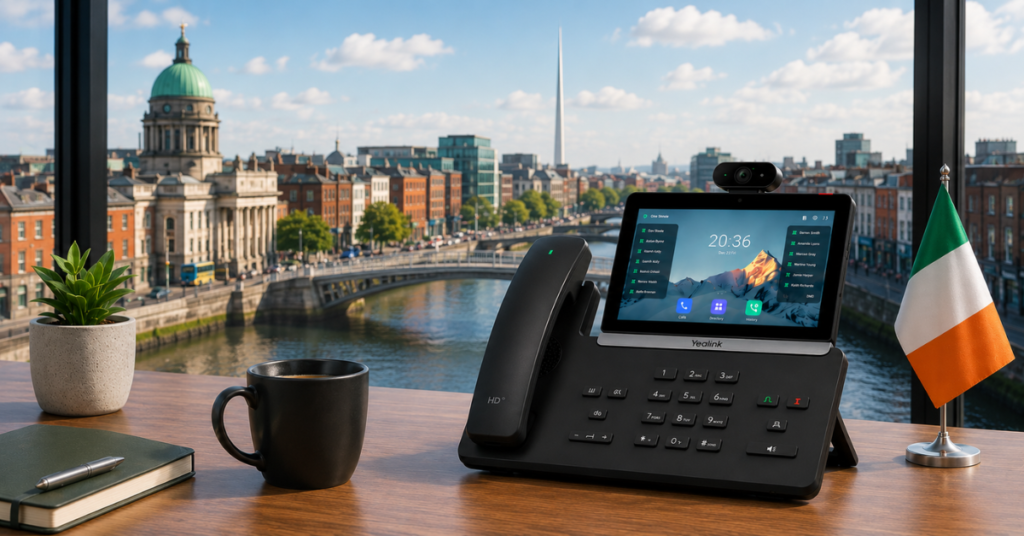
With most business phone systems now cloud-based, the question of whether to use desk phones at all has become a real one. Many businesses run entirely on mobile and desktop softphone apps. But for teams that spend significant time at a fixed desk — receptionists, call centre agents, account managers, office-based staff — a physical IP phone still offers advantages that an app on a laptop can’t fully replicate.
This guide covers what IP phones are, when they make sense for Irish businesses, and a breakdown of the Yealink T7 and T8 series — the phones Dromlik recommends and supplies, auto-provisioned to work with your Dromlik system out of the box.
What Is an IP Phone?
An IP phone (also called a SIP phone or VoIP phone) is a desk phone that makes calls over the internet rather than a traditional phone line. It connects to your broadband router via an ethernet cable — or via Wi-Fi on wireless models — and works with your cloud phone system just like a softphone app would.
From a caller’s perspective, a call on an IP phone is indistinguishable from any other call. From your team’s perspective, it means a dedicated physical device for calls — with a proper handset, a keypad, programmable buttons, and a screen — rather than a headset plugged into a laptop.
Do You Actually Need Desk Phones?
Honest answer: not always. Most Dromlik customers use the mobile and desktop apps as their primary call interface, and for many businesses this is the right choice — no hardware to buy, no devices to manage, and full flexibility for remote or on-the-move teams.
Desk phones make sense when:
- Staff are at a fixed desk for most of their working day. Receptionists, call centre agents, and office-based teams who take high call volumes find a dedicated handset more comfortable and efficient than a headset or laptop mic.
- You want physical programmable buttons. Speed dial keys, BLF (Busy Lamp Field) buttons showing colleague availability, and one-touch transfer buttons are all easier on a physical phone than in a software interface.
- Call quality is paramount. A wired ethernet-connected IP phone with a physical handset delivers consistently excellent audio quality without the variables that affect softphone calls — laptop microphone quality, background noise, audio driver issues.
- You’re running a reception desk or switchboard. The operator panel experience on a physical phone — seeing which colleagues are on calls, parking calls, transferring quickly — is still better on a quality desk phone than any software equivalent.
- You prefer the separation. Some staff prefer a clear boundary between their phone and their computer. A dedicated device for calls means work calls don’t interrupt other tasks on the laptop, and there’s no “which microphone is active” confusion on video calls.
Dromlik works fully without any desk phones — the mobile and desktop apps handle everything. If you do want physical handsets, Yealink T7 and T8 series phones auto-provision directly to your Dromlik system with no technical setup required.
Why Yealink?
Yealink is the world’s number one brand for SIP desk phones by global market share, used by businesses in over 140 countries. For Irish businesses, they’re the right choice for three reasons:
Build quality and reliability. Yealink phones are built to last. The T7 and T8 series in particular are premium devices — solid construction, quality handsets, and hardware that holds up to years of daily use in a busy office environment.
Audio quality. Yealink’s Optima HD audio with acoustic noise reduction delivers clear, natural call quality on both ends. For businesses where call quality matters — professional services, financial services, any client-facing role — this is noticeable.
Auto-provisioning with Dromlik. When you order a Yealink phone through Dromlik, it arrives pre-configured for your system. Plug it in, and it’s ready to make and receive calls — no manual configuration, no IT support required.
Yealink T7 Series: The Right Choice for Most Businesses
The T7 series sits in Yealink’s professional range — feature-rich enough for serious business use, without the complexity or price of the flagship T8 series. All T7 models support HD audio, have colour displays, and include Gigabit ethernet for fast, reliable connectivity.
Yealink T73U — €105
The entry point to the T7 series. A clean, capable IP phone for general office use — clear colour display, HD audio, USB port for headset or recording, Gigabit ethernet. No wireless connectivity, but everything you need for a standard desk setup.
Best for: General office staff, smaller teams, anyone who needs a reliable desk phone without wireless requirements.
Yealink T73W — €120
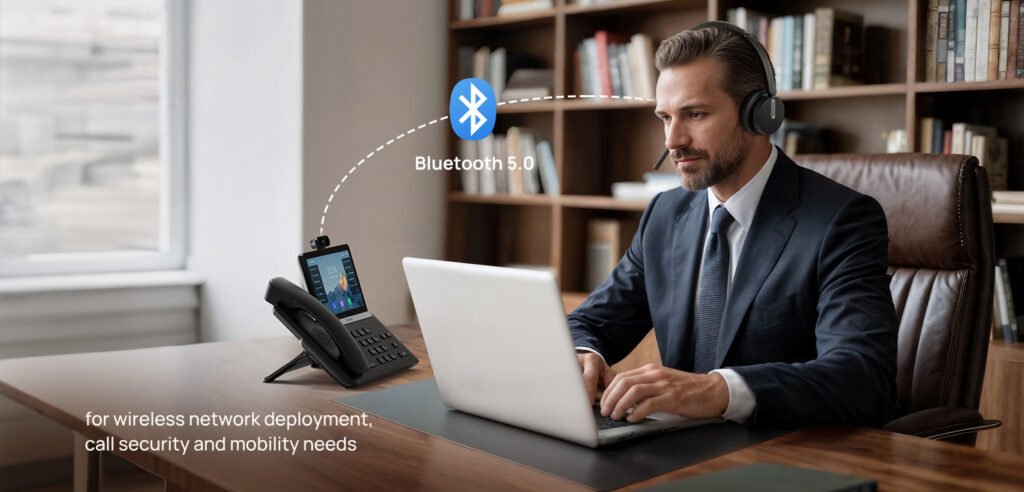
The T73U with Wi-Fi and Bluetooth added. Same display and call features, but with the flexibility of wireless connectivity — useful if ethernet cabling to a specific desk is awkward, or if staff use a Bluetooth headset.
Best for: Desks without easy ethernet access, staff using wireless headsets.
Yealink T74U — €150
A step up in screen size and programmable line keys. The T74U has a larger display, more SIP line registrations, and more programmable keys for speed dial and BLF — useful for staff managing multiple lines or needing quick access to colleague status.
Best for: Reception desks, team leaders, anyone managing multiple lines or frequent transfers.
Yealink T74W — €170
The T74U with Wi-Fi 6 and Bluetooth 5.0 — Yealink’s latest wireless standards for faster, more reliable wireless connectivity and better Bluetooth headset performance.
Best for: Same as T74U but where wireless flexibility is needed.
Yealink T77U — €240
The premium T7 model. A large colour display, up to 16 SIP accounts, 27 programmable keys, and a full-range speaker for hands-free calling. Built for power users who live on the phone — high-volume call handlers, switchboard operators, senior staff managing complex call flows.
Best for: Receptionists, executive assistants, high-volume call handlers.
Yealink T8 Series: Premium Devices for Demanding Environments
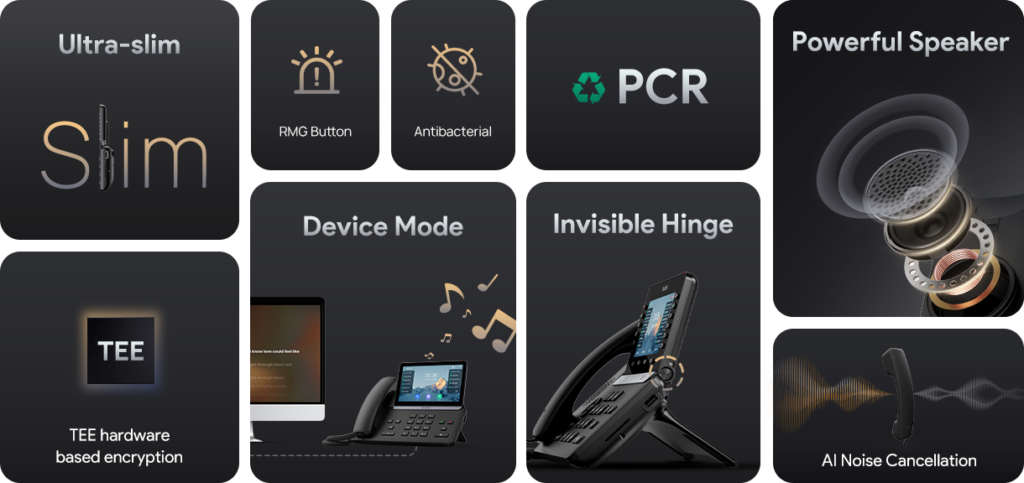
The T8 series is Yealink’s flagship range — touchscreen interfaces, advanced features, and hardware built for intensive professional use. These are the right choice for businesses where the phone is a primary working tool rather than one of many.
Yealink T85W — €200
The entry point to the T8 series. A large colour touchscreen, 16 SIP accounts, Wi-Fi 6 and Bluetooth 5.0, and a built-in USB port. The touchscreen interface makes navigation faster than a traditional keypad for users who spend most of their day on calls.
Best for: Teams moving to touchscreen interfaces, high-volume users who want faster navigation.
Yealink T87W — €260
A larger touchscreen, more programmable keys, and an adjustable stand for ergonomic positioning. The T87W is designed for users who need both the touchscreen experience and extensive programmable button access — the combination of touch and physical keys works well for receptionists and busy call handlers.
Best for: Reception desks, team leaders who need both touch interface and programmable keys.
Yealink T88W — €320
Yealink’s flagship touchscreen IP phone. A large 7-inch colour touchscreen, full HD audio, Wi-Fi 6 and Bluetooth 5.0, USB connectivity, and a premium build. The T88W is the right choice for executive desks and senior staff where quality and aesthetics both matter.
Best for: Executive and management desks, boardrooms, client-facing reception areas.
Yealink T88W Pro — €400
The T88W with a built-in 5MP camera for video calls directly from the desk phone — no laptop required. For businesses where video is a regular part of client communication, this removes the need to switch to a separate device.
Best for: Senior staff who conduct frequent video calls, client-facing roles where video is standard.
Yealink T88V — €390
The T88V adds a built-in camera to the standard T88 form factor — video calling capability with the same flagship audio and display quality. A strong option where video is needed but the full T88W Pro specification isn’t required.
Best for: Video-enabled desk setups at a slightly lower price point than the T88W Pro.
Yealink T88V Pro — €460
The most capable device in the T8 series. Advanced camera, the largest display, and Yealink’s full flagship feature set. For organisations where the phone is the centrepiece of the workspace — executive suites, premium client environments, high-end reception areas.
Best for: Premium executive or client-facing environments where both video and the highest hardware quality matter.
Choosing the Right Model
| Model | Price | Key Differentiator | Best For |
|---|---|---|---|
| T73U | €105 | Entry T7, no wireless | General office use |
| T73W | €120 | Wi-Fi + Bluetooth | Wireless desk setups |
| T74U | €150 | Larger screen, more keys | Reception, team leaders |
| T74W | €170 | T74U + Wi-Fi 6 + BT 5.0 | Wireless reception desks |
| T77U | €240 | 16 SIP accounts, 27 keys | High-volume call handlers |
| T85W | €200 | Entry T8 touchscreen | Teams moving to touch UI |
| T87W | €260 | Touch + programmable keys | Busy reception desks |
| T88W | €320 | 7″ touchscreen, flagship | Executive and premium desks |
| T88W Pro | €400 | T88W + built-in camera | Video-enabled desk setups |
| T88V | €390 | Video-capable T88 variant | Video at slightly lower cost |
| T88V Pro | €460 | Top of range, full video | Premium executive environments |
Auto-Provisioning: How It Works With Dromlik
When you order a Yealink phone through Dromlik, the provisioning happens automatically. The phone arrives configured for your system — your extension, your CRM integration, your BLF keys showing the right colleagues. Plug it into your ethernet connection (or connect to Wi-Fi on wireless models) and it’s ready.
No IT support. No configuration files. No manual setup.
If you add a new team member, their phone is provisioned remotely — the device doesn’t need to come back to anyone for configuration. If a phone needs to be moved from one desk to another, the reassignment is handled from the Dromlik dashboard.
Ordering Yealink Phones Through Dromlik
Yealink T7 and T8 series phones are available directly through Dromlik — ordered through the SIP phones page and delivered to your Irish address. All phones include auto-provisioning to your Dromlik system as part of the order.
Need help choosing the right model?
The Dromlik team will recommend the right Yealink model for your team’s needs and show you how auto-provisioning works. Free 7-day trial on the phone system, no setup fees.