

Make & Receive Business Calls Directly in Microsoft Teams

Keep your existing business numbers and phone system features — your team just uses Microsoft Teams to make and receive calls. No new hardware, no disruption.
Everything your team needs to call from Teams
Dromlik connects your professional phone system to Microsoft Teams, giving your team a unified calling experience.
Make & Receive Calls in Teams
Your team makes and receives business calls directly from the Microsoft Teams app — on desktop, mobile, or browser. No separate phone app needed.
Keep Your Business Numbers
No need to change your existing phone numbers or SIP provider. All your current business lines work seamlessly through Teams.
Advanced PBX Features in Teams
Time-based routing, IVR menus, call queues, ring groups, and more — features that aren't available with standard Microsoft calling plans.
Connect Teams & Non-Teams Users
Teams users and desk phone users can call each other internally for free. Everyone stays connected, regardless of what device they use.
Work From Anywhere
Your team can take business calls from home, the office, or on the go. Use Teams on desktop, mobile, or browser — or your existing desk phones.
Save on Calling Costs
Eliminate costly Microsoft domestic and international calling plans. Keep your existing SIP provider and save on licensing fees.
Up and running in days, not weeks
We handle the entire setup so your team can focus on what they do best.
We Set Up Your System
Dromlik configures your cloud phone system and connects it to your Microsoft Teams environment. We handle all the technical setup.
Your Team Gets Connected
Each team member is linked to their Teams account. They can immediately start making and receiving business calls from the Teams app.
You're Live
Your business numbers ring directly in Teams. Calls, voicemail, call routing, and all your phone system features work seamlessly.
Integrate with your favorite tools
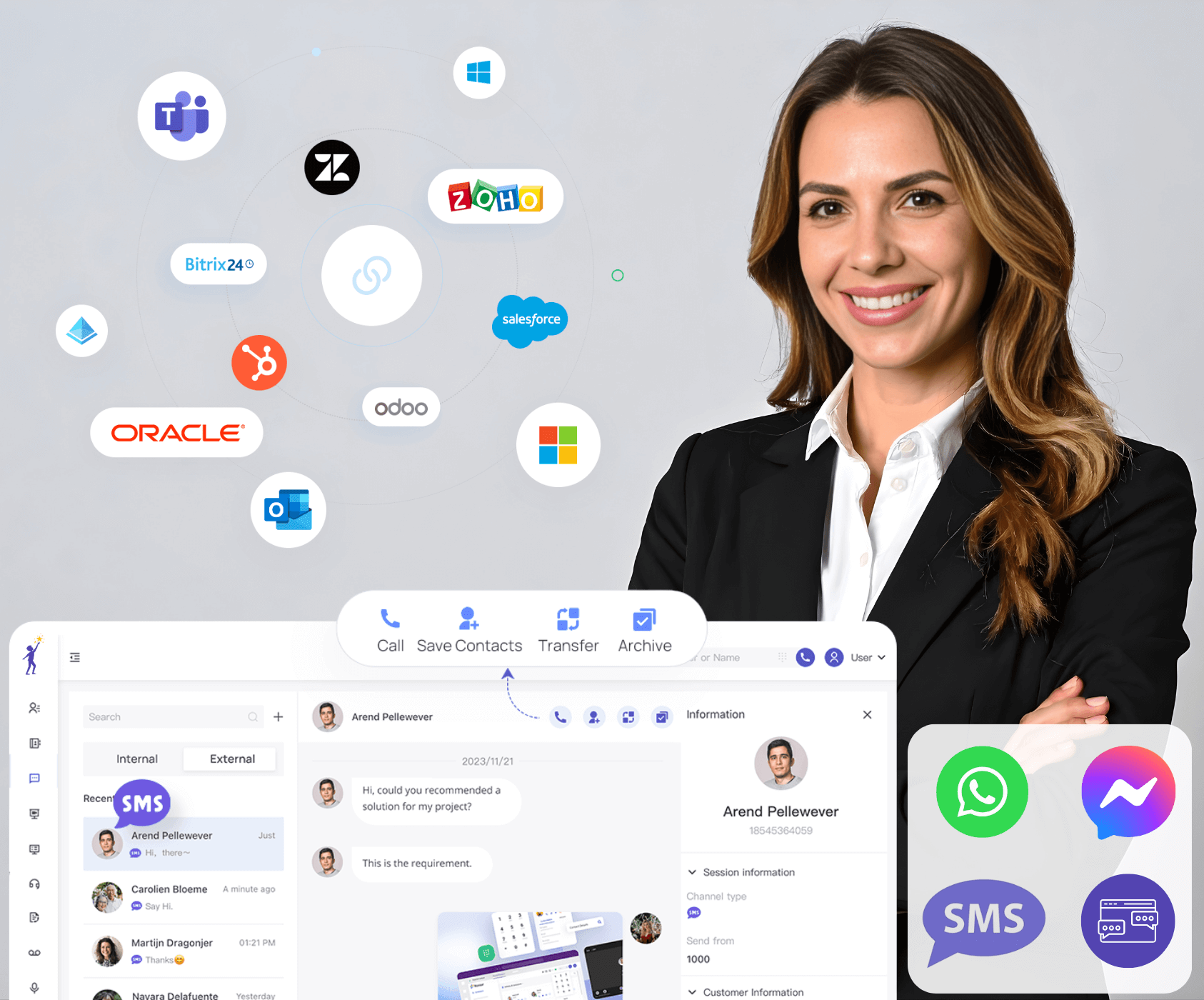
Our business phone system connects seamlessly with the CRMs, helpdesks, and collaboration platforms your team already uses — so every call, contact, and conversation stays in sync.
The simplest way to add business calling to Teams
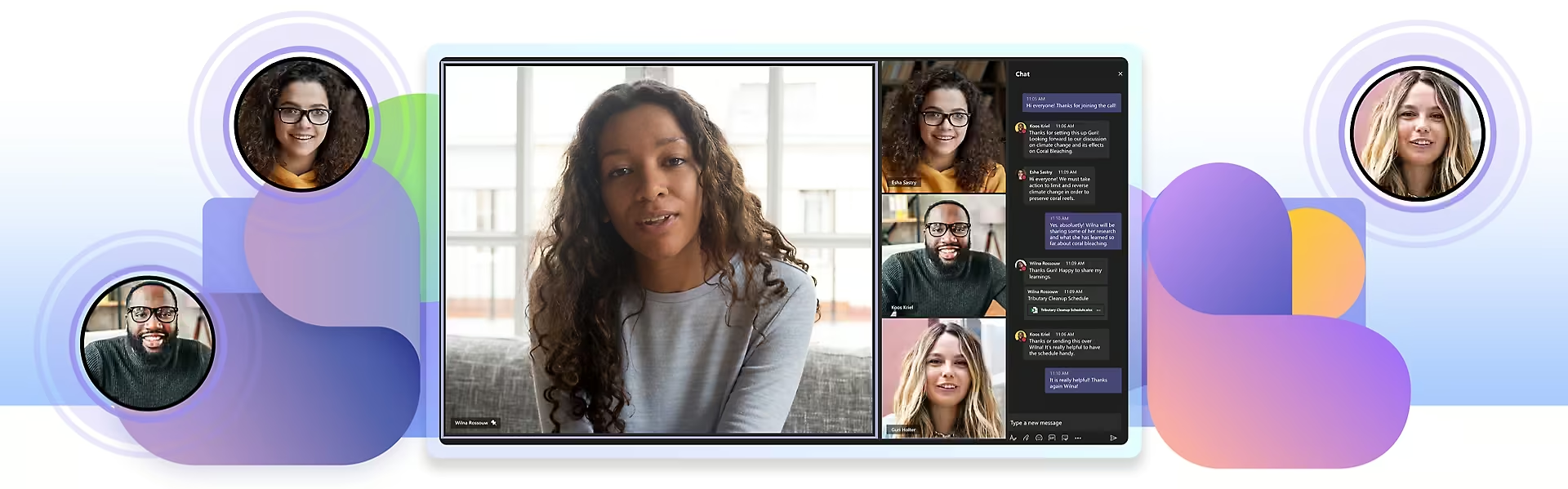
Most Irish SMBs already use Microsoft Teams for chat and meetings. With Dromlik, you can add professional business calling without the complexity or cost of Microsoft’s own calling solutions.
- No need for costly Microsoft Calling Plans or Operator Connect
- Keep all your existing business phone numbers and SIP provider
- Works with your current SIP phones and desk phones
- Advanced PBX features not available in standard Teams: IVR, queues, ring groups, time-based routing
- Teams users and non-Teams users can call each other internally for free
- Call recording, voicemail-to-email, and full call analytics
- One-click deployment — no additional hardware or specialist skills needed
- Your team uses one app for chat, video meetings, and business calls
- Managed and supported by Dromlik — no IT overhead for you
Why Dromlik beats native Microsoft calling
See how Dromlik Teams Connect compares to Microsoft’s own calling solutions across cost, features, and reliability.
In addition to your standard Dromlik UCaaS licenses, businesses will need Call2Teams licenses along with either an Office 365 Phone System add-on or E5 licenses to enable calling within Microsoft Teams.
Ready to call from Teams?
Book a quick demo and we’ll show you how Dromlik integrates with Microsoft Teams for your business.